Link in. Recipe out.
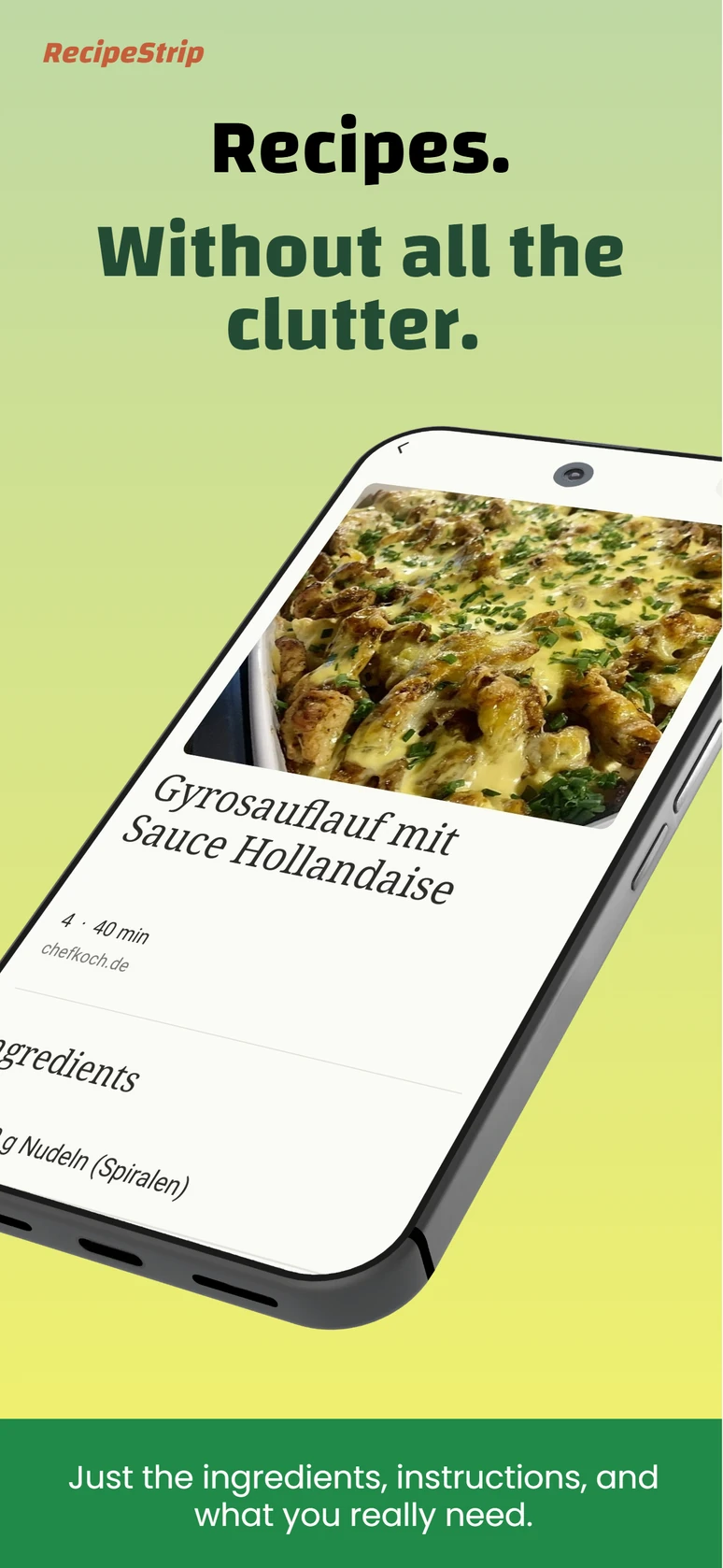
Reduce supported recipe pages to ingredients and instructions.
 RecipeStrip
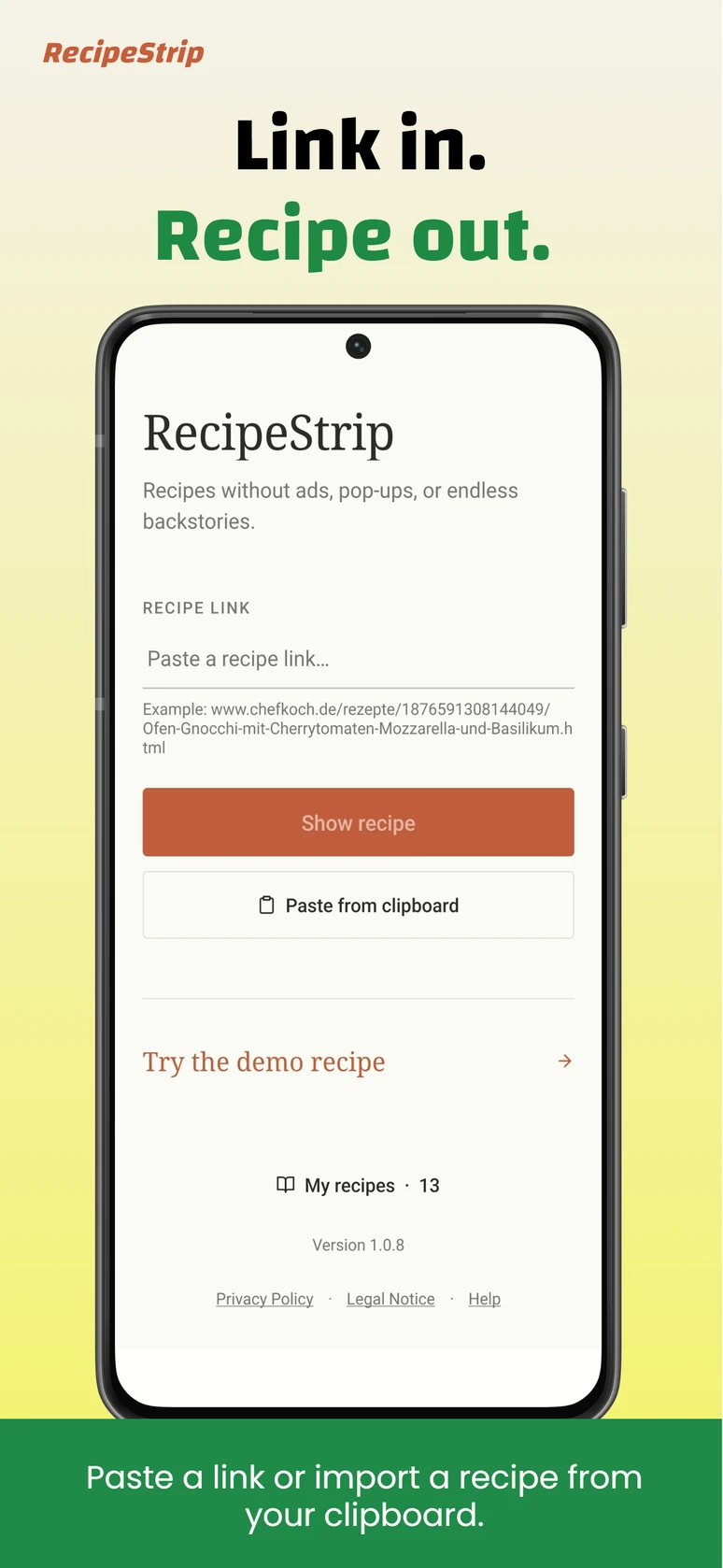
Paste a recipe link or copied recipe text and focus on what actually matters: ingredients and instructions.
No account · Local processing · RecipeStrip Pro as a one-time purchase

Reduce supported recipe pages to ingredients and instructions.
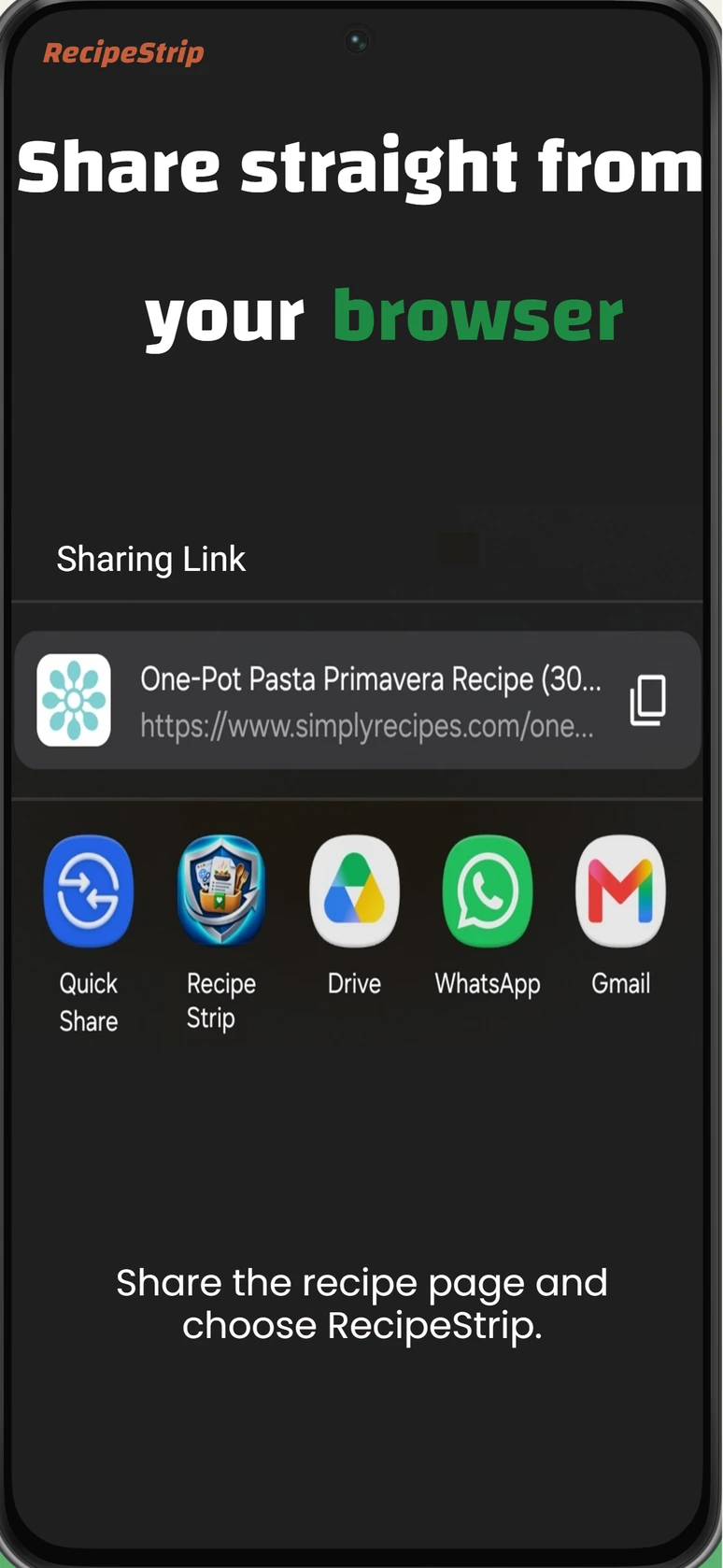
Share a recipe page and choose RecipeStrip in Android.
Recognise complete, sufficiently structured recipe text locally.
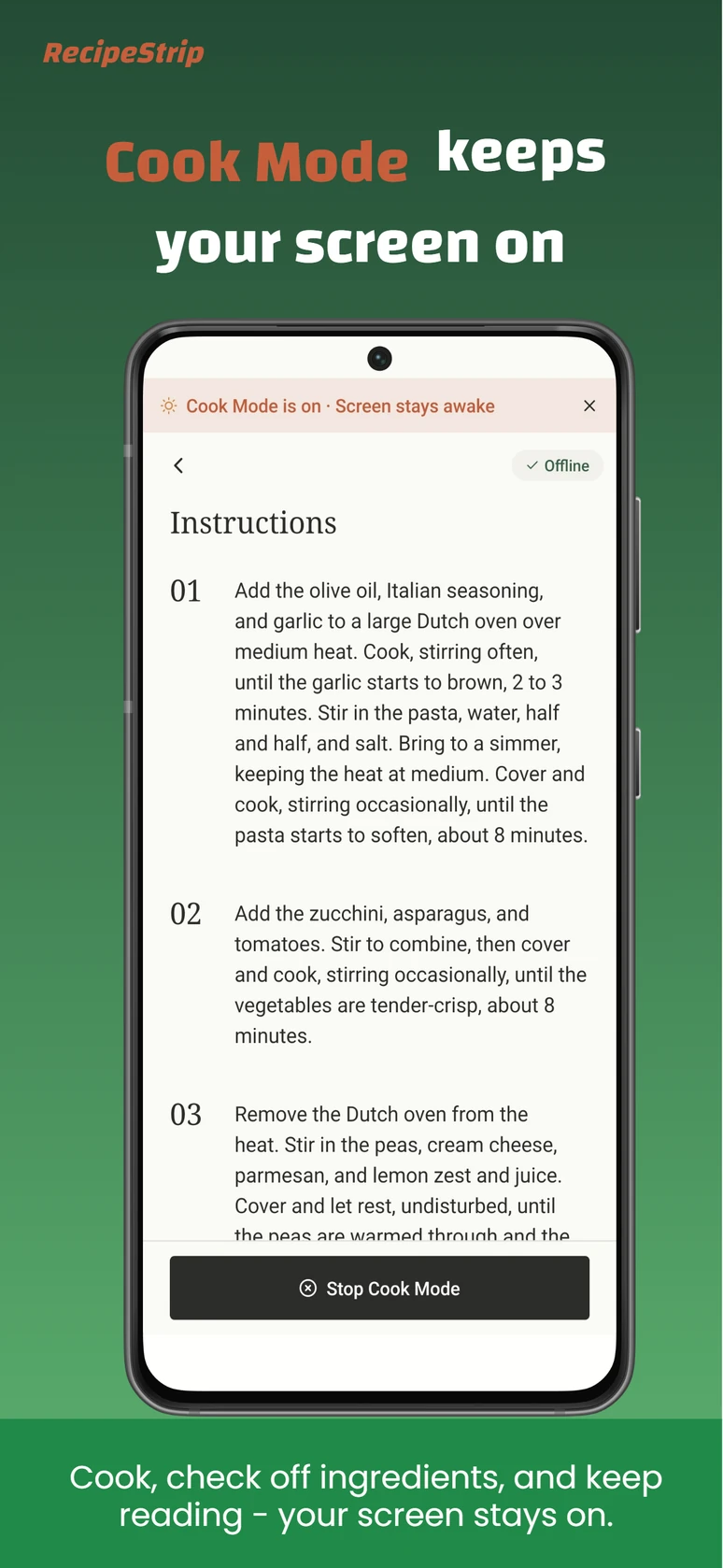
Save locally with Pro and keep the screen on while cooking.
RecipeStrip only processes content that you paste or explicitly share through Android.
Paste a supported recipe-page URL. RecipeStrip fetches the page directly on your device and presents a completely recognised recipe in a focused view.
Send the open recipe page straight from your browser to RecipeStrip through Android's share menu.
Copy a recipe with a sufficiently clear structure and choose “Paste from clipboard” in RecipeStrip.
Not every recipe lives on a traditional recipe website. If a recipe appears in a comment, message, note, forum or social post, copy the complete recipe text and paste it into RecipeStrip from your clipboard.
When the title, ingredients and instructions are clear enough, RecipeStrip structures the text locally on your device.
Swipe or scroll through the current English app previews.
RecipeStrip Pro is a one-time purchase. The price shown by Google Play for your country or region is the applicable price.
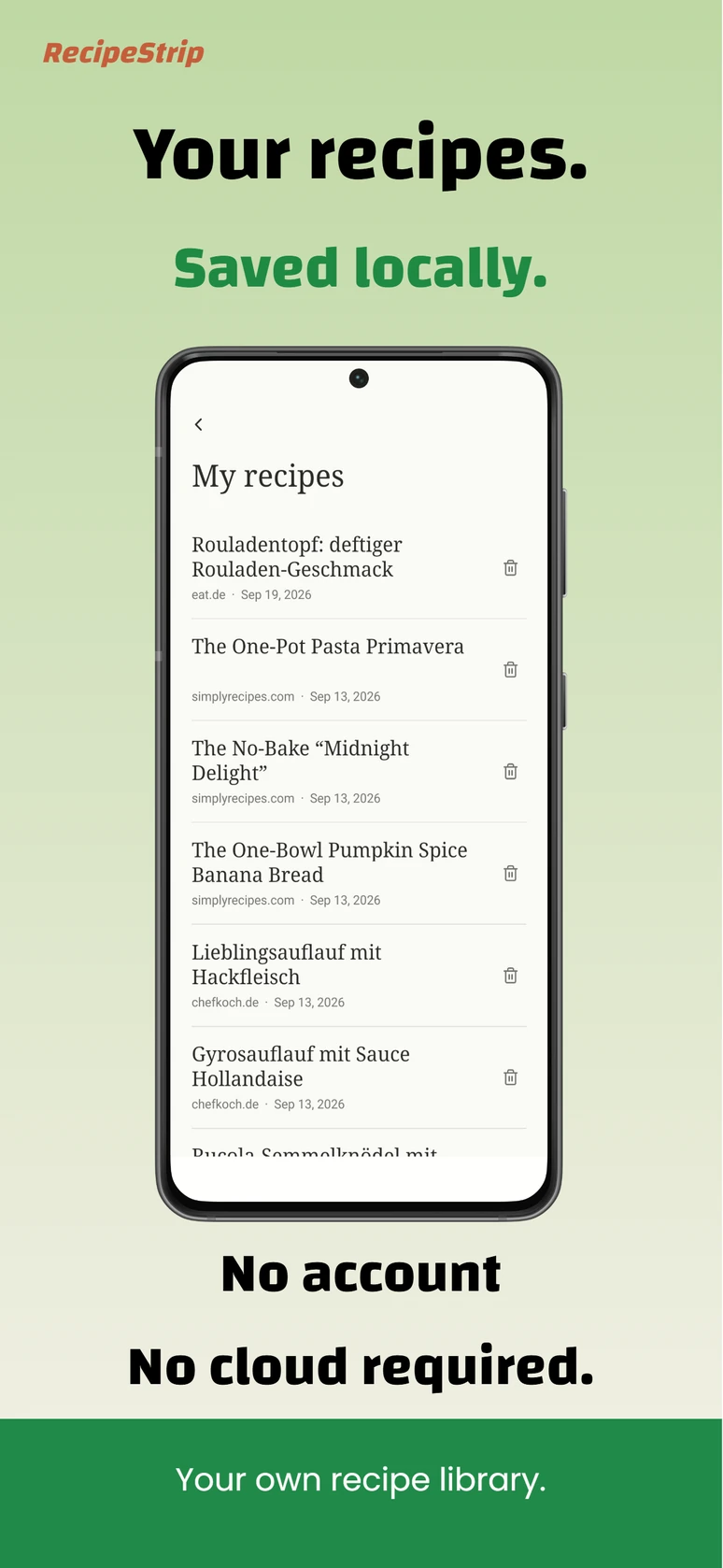
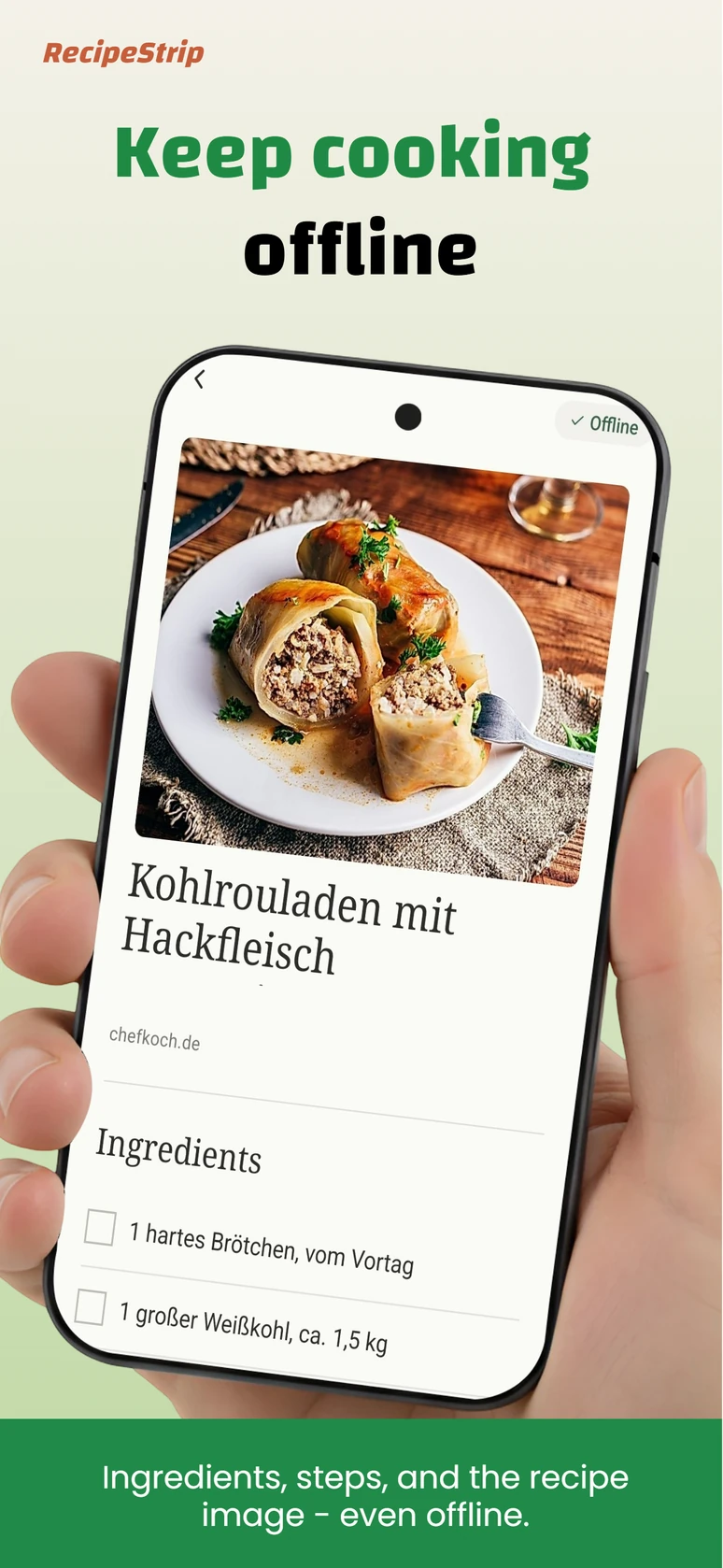
Explicitly save recognised recipes to your local app library, with no account and no cloud requirement.
Saved recipe text stays available locally. Recipe images successfully stored on the device may remain available offline as well.
Turn it on deliberately, check off ingredients and keep the instructions in view without the display going to sleep.
RecipeStrip does not require a Vantaguard account. Copied recipe text is structured locally; Vantaguard operates neither a cloud recipe-text parser nor a cloud recipe library.
Direct page request
For a URL import, your device requests the recipe page directly over HTTPS.
No universal-site claim
RecipeStrip processes supported, completely recognisable recipes and does not invent missing content.
Transparent details
Relevant technical data flows are described in the RecipeStrip Privacy Policy.
Paste a recipe URL or complete copied recipe text. You can also share a recipe page through Android. RecipeStrip structures a sufficiently clear recipe on your device.
No. The page must contain a complete recipe in a supported structure. RecipeStrip does not promise support for every website.
No. You copy the complete recipe text yourself and explicitly choose “Paste from clipboard”. RecipeStrip does not access private accounts or bypass logins.
No. Recognition and structuring of pasted recipe text take place locally on your device.
No. RecipeStrip does not require a Vantaguard account and does not operate a cloud recipe library.
Pro adds the local recipe library, offline use and Cook Mode. It is a one-time purchase, not a subscription.
Paste a link or copied recipe text and focus on what matters while you cook.
Get RecipeStrip on Google Play