01
Protect private apps selectively
Protect exactly the apps that contain sensitive everyday content — from chats to banking.
Secure App Lock helps protect Messenger, Gallery, email, banking apps and other sensitive areas on your Android device with PIN, password or biometrics.
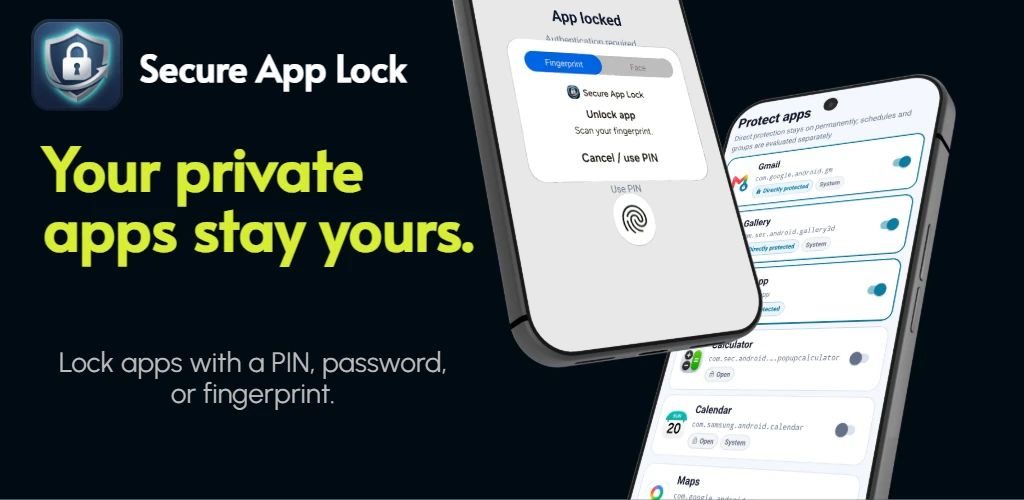
Protect sensitive apps selectively, use flexible rules and keep important security events in view.
Protect exactly the apps that contain sensitive everyday content — from chats to banking.
Insights for uninstall attempts against Secure App Lock, app info, permissions and relevant protection areas — depending on Android and your device.
Schedules, groups and unlock windows make protection practical instead of rigid.
Swipe or scroll through the current English Play Store screenshots.
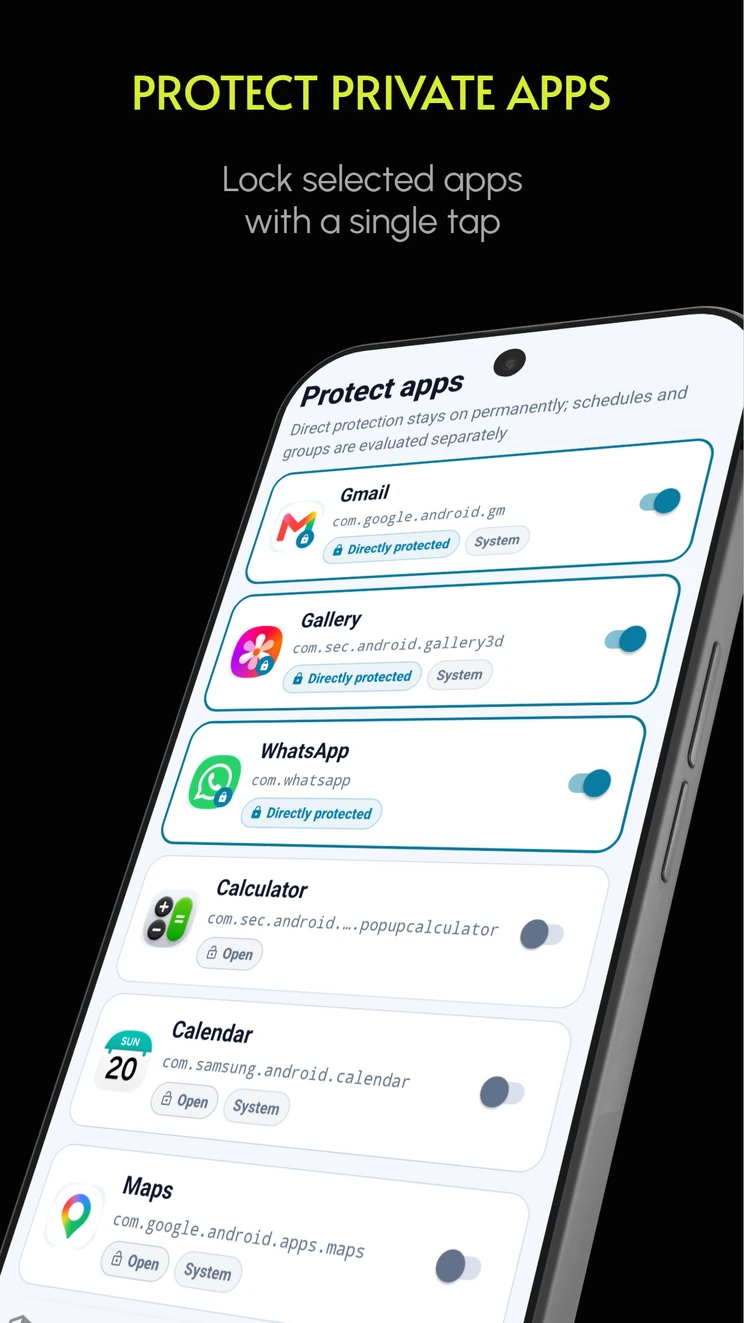
Choose apps and turn on direct protection with one tap.
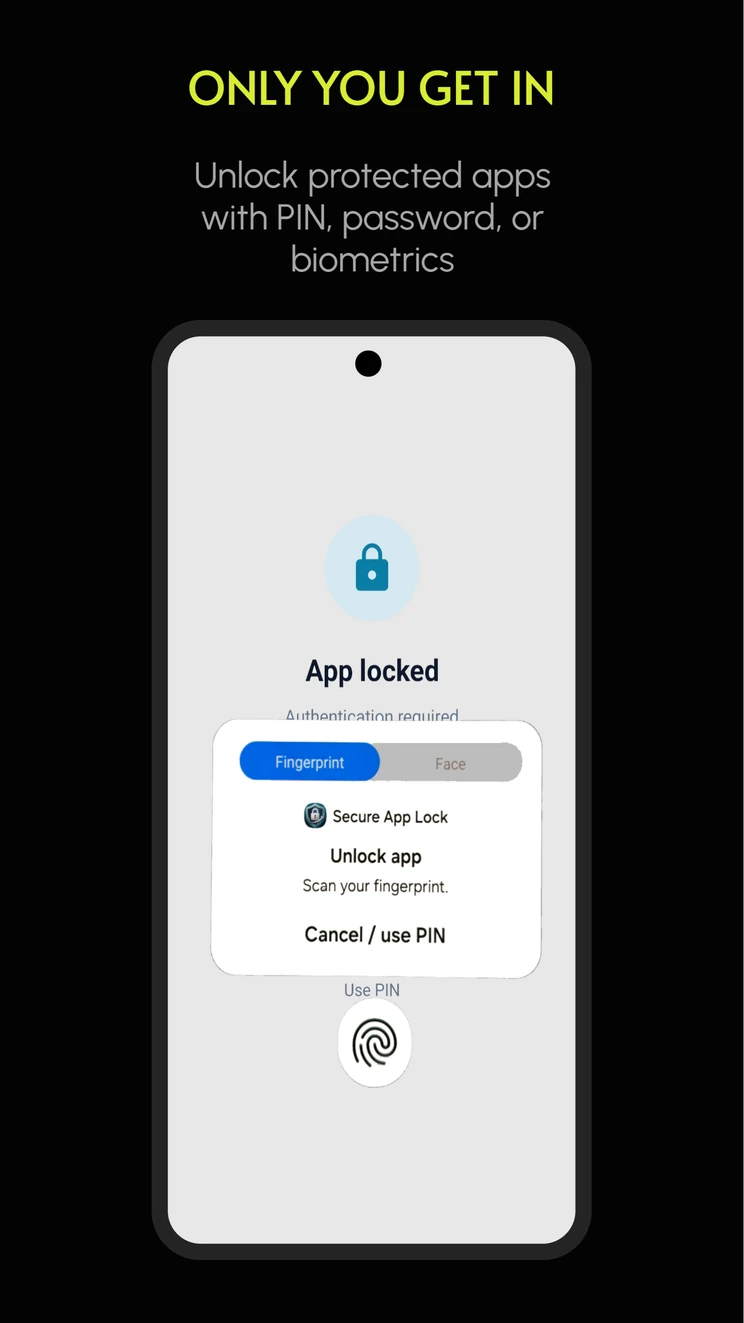
Unlock protected apps with PIN, password or biometrics.
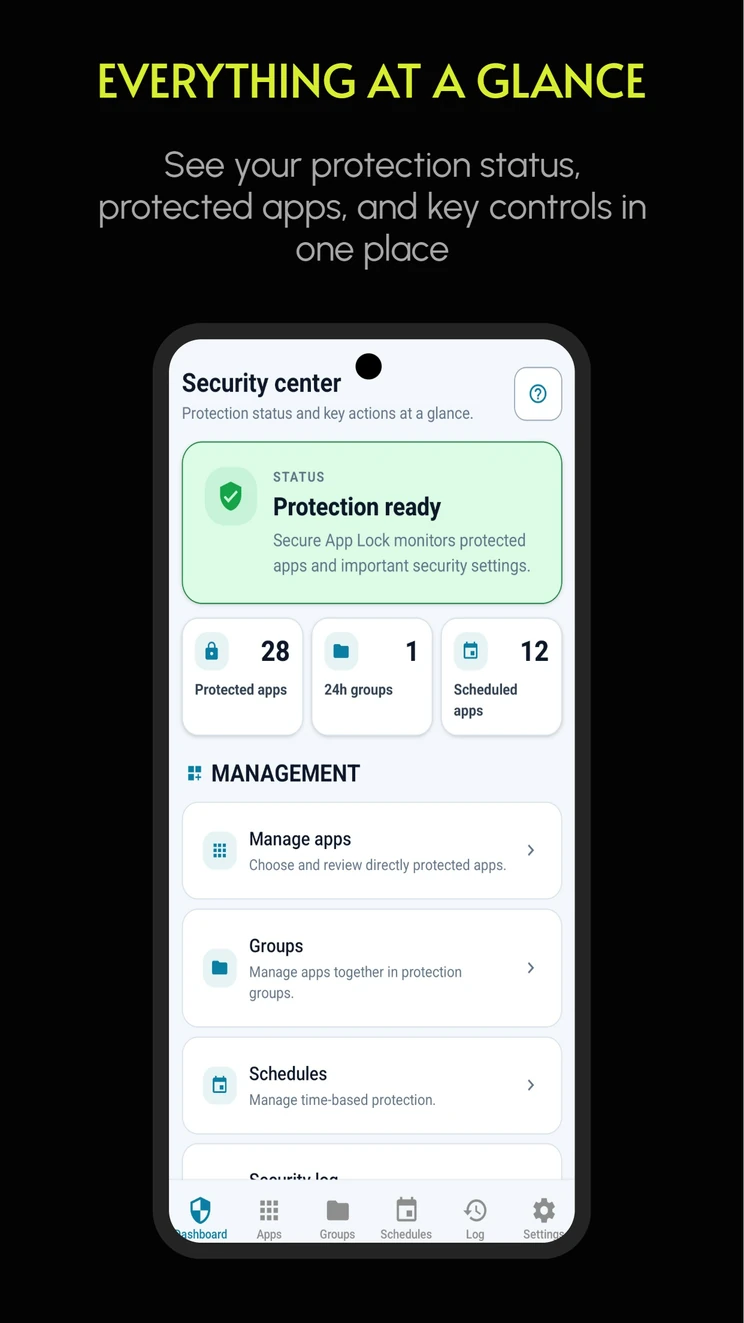
See protection status, protected apps and key controls in one place.
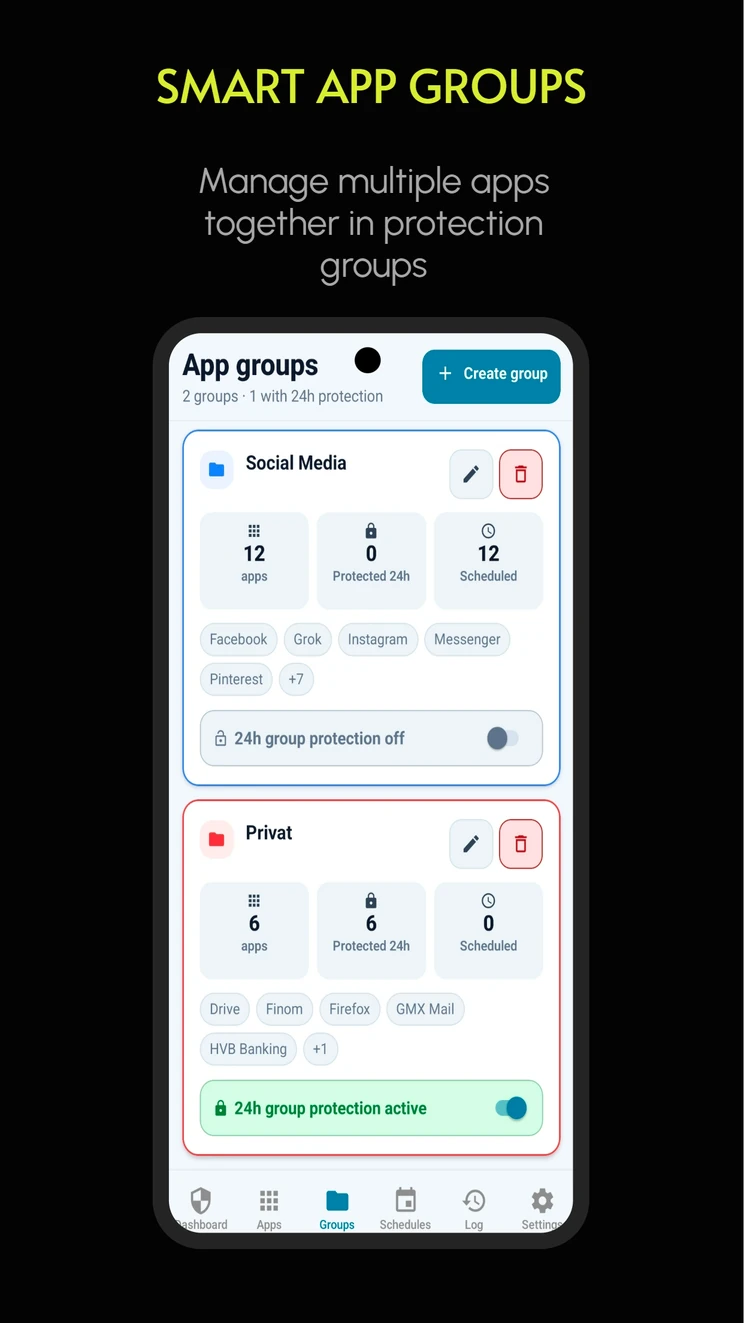
Manage multiple apps together in protection groups.
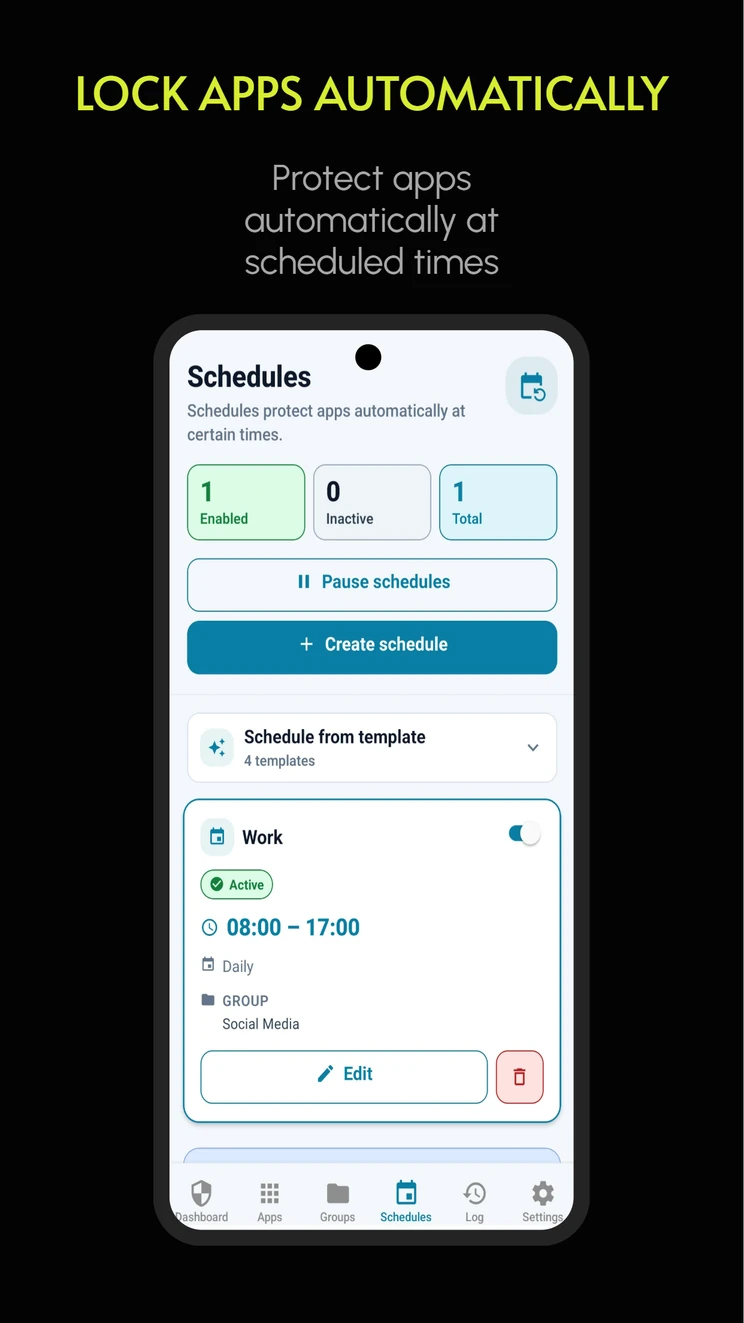
Protect apps automatically at scheduled times.
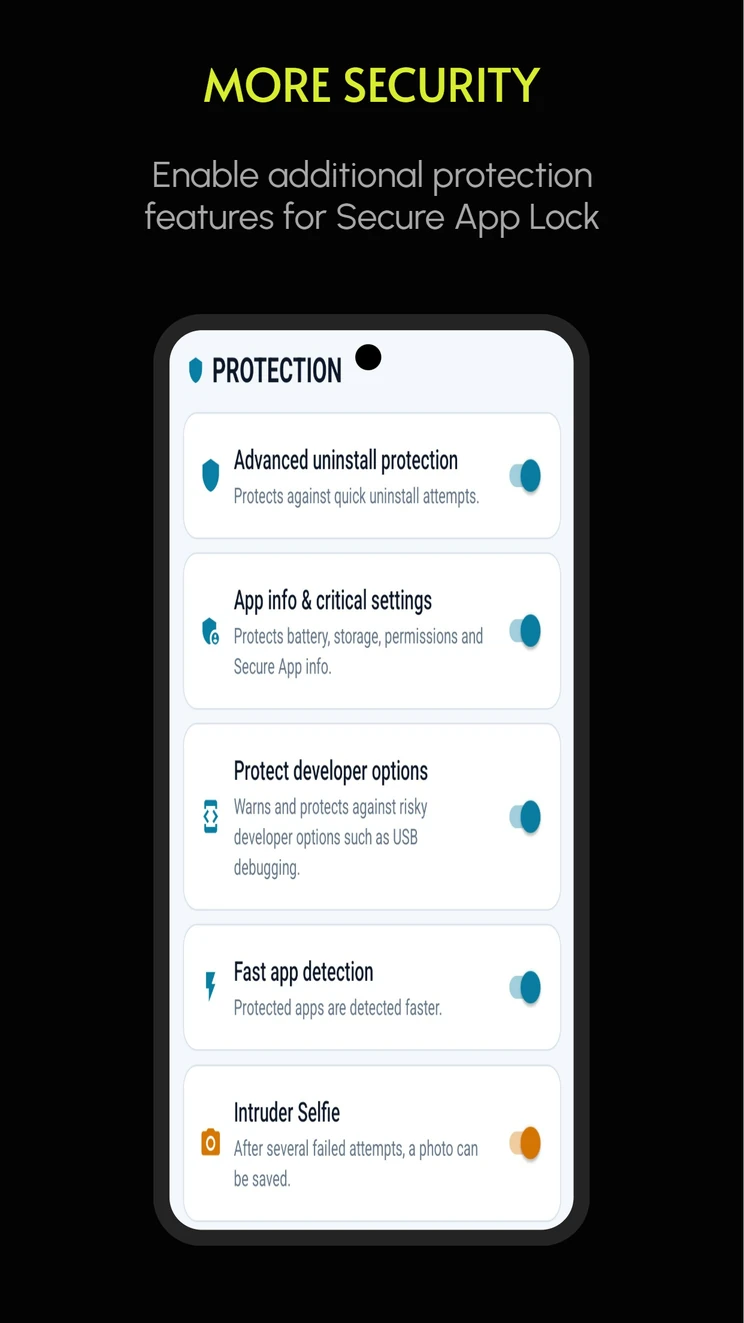
Enable additional protection features for Secure App Lock.
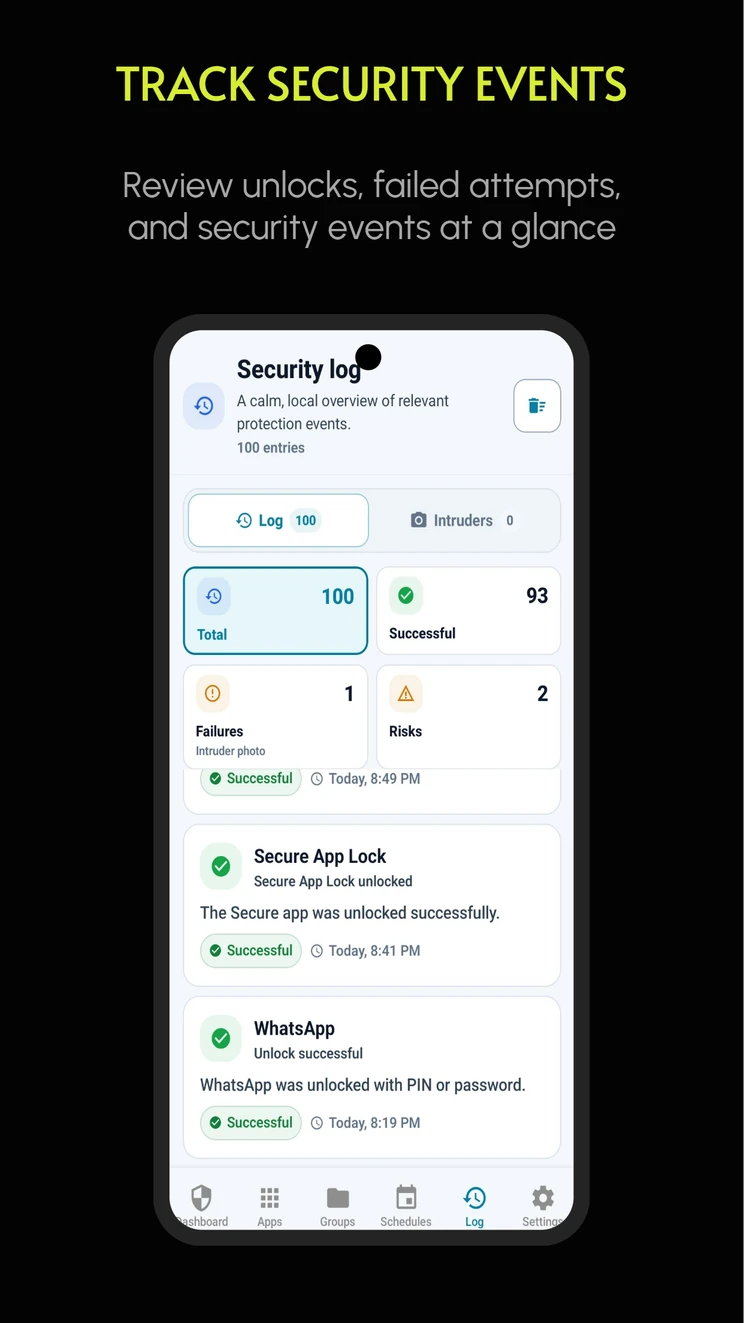
Review unlocks, failed attempts and security events at a glance.
Secure App Lock processes your protection settings locally on your device. There is no Vantaguard cloud backup and no automatic upload of app locks, PINs, passwords, security logs or intruder photos.
Your settings stay on your device and are not stored as a Vantaguard cloud profile.
In just a few steps, you decide which apps are protected and when protection should apply.
Decide which apps should be protected.
Use PIN, password or biometrics.
Configure schedules, groups and unlock windows.
Keep more control over private and sensitive apps.
Secure App Lock lets you try the most important features first. If you need more later, you can upgrade to Pro with a one-time purchase.
Secure App Lock lets you protect up to 5 apps, 1 app group, and 1 schedule in the free version. This gives you a simple way to try the most important features first.
Unlock the full feature set: no ads, unlimited app locks, unlimited groups, and unlimited schedules — as a one-time purchase for €7.49.
The final price is shown in Google Play.
Answers to common questions about protection, privacy and device requirements.
You can use Secure App Lock for free and protect up to 5 apps, 1 app group, and 1 schedule. This lets you try the most important features before upgrading to Pro.
Secure App Lock Pro removes ads and unlocks the full feature set: unlimited app locks, unlimited groups, and unlimited schedules. Pro is available as a one-time purchase for €7.49. The final price is shown in Google Play.
For example Messenger, Gallery, email apps, banking and finance apps, social media apps, shopping apps and work apps.
No. App selection, groups, schedules and lock data are processed locally on your device; there is no Vantaguard cloud backup for this data.
Some features depend on Android version, device manufacturer, system settings and granted permissions.
You can find the app-specific privacy information here: Privacy Policy for Secure App Lock.
Choose apps, organize them in groups and protect them by schedule — locally on your Android device.